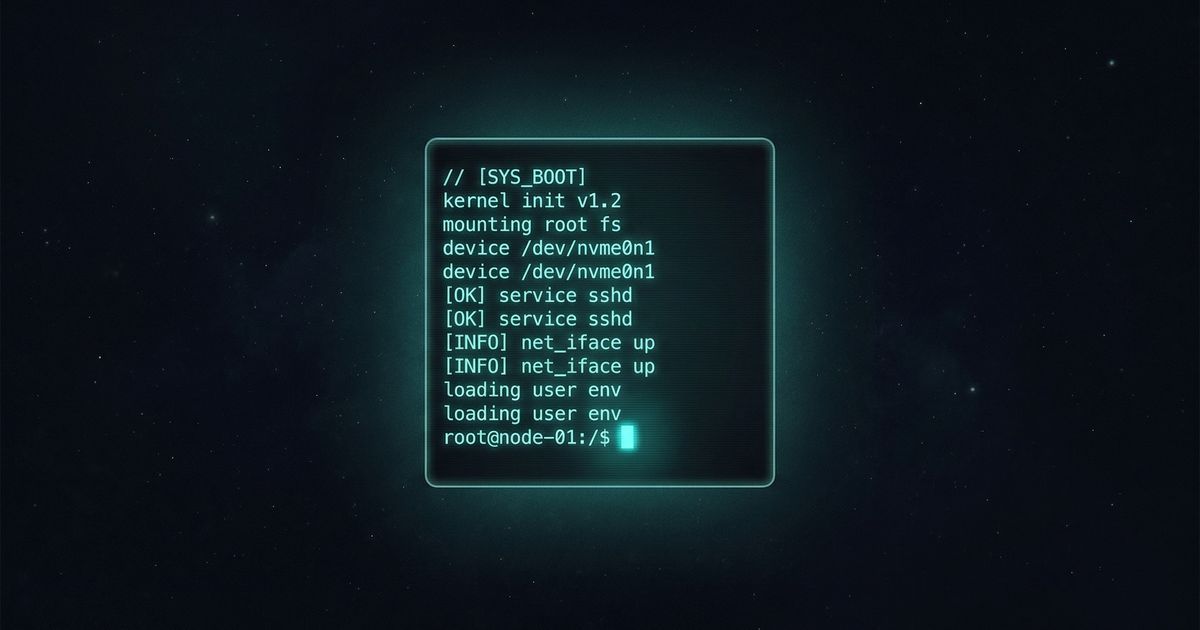
Your Portfolio is Boring. Mine is a Terminal.
How I built an interactive terminal-style portfolio using vanilla HTML, CSS, and JavaScript — with a virtual file system, AI chat, games, theme switching, and Catppuccin Mocha colors.
On this page
The idea
Most portfolios look the same. A hero section, some cards, a contact form. I wanted something that actually represents who I am — a developer who lives in the terminal.
So I built a simulated terminal as my portfolio homepage. Visitors can type commands like ls, cd, cat, and tree to navigate a virtual file system and learn about me.
The stack
The entire terminal runs on zero dependencies — no React, no framework, just:
- HTML for structure
- CSS with Catppuccin Mocha palette
- Vanilla JavaScript for the command engine and virtual file system
The blog you’re reading right now is powered by the Astro static site framework, which builds to static HTML.
Key features
Virtual file system
The terminal has a simulated file system with directories and files:
.
├── home/
│   └── guest/
│       ├── about.md
│       ├── skills.md
│       └── contact.md
└── README.md
Users can navigate with cd, list with ls, and read files with cat. The path in the prompt updates dynamically — you’ll see [email protected]:~$ just like a real shell.
AI Chat
Type ask <anything> to chat with a built-in knowledge base about me — my background, skills, projects, and how to reach me. It uses fuzzy matching to answer natural language questions without any API calls.
Snake & Matrix
snake— a playable Snake game right inside the terminal gridmatrix— green falling characters, Matrix-style. PressEscorqto escape
Live theme switching
All four Catppuccin flavors are supported with smooth CSS transitions:
| Command | Theme |
|---|---|
theme mocha | Dark (default) |
theme macchiato | Darker warm |
theme frappe | Softer dark |
theme latte | Light mode |
Tab autocomplete & history
Just like a real terminal — pressing Tab completes commands with a ghost-text hint, and the up/down arrows cycle through command history.
Handy aliases
Quick shortcuts for common lookups:
whois→ reads~/about.mdskills→ reads~/skills.mdcontact→ reads~/contact.mdsound on/off→ toggles ambient sound
Floating chat widget
A chat bubble in the bottom-right corner of every page lets visitors ask questions and get context-aware answers — powered by the same fuzzy-matched knowledge base as the ask command.
Mobile-first responsive design
The terminal adapts to every screen size:
- Desktop: centered, up to 860px wide, 85vh tall
- Tablet: full-width, no border-radius, slightly smaller font
- Phone: shortened prompt, ASCII art hidden, touch-friendly 16px input to prevent iOS zoom
- Bottom nav bar: fixed Terminal/Blog links for mobile navigation
Particle density is also reduced on touch devices (25 vs 60 particles) to keep things smooth on low-powered hardware.
Lessons learned
- Constraints breed creativity. Limiting myself to vanilla JS forced better architecture decisions.
- The metaphor IS the message. A terminal portfolio says more about a developer than any “About Me” paragraph.
- Details matter. The blinking cursor, the prompt colors, the
cd ..behavior — these small touches make it feel real.
What’s next
This blog will be home to my thoughts on AI agents, cloud architecture, cybersecurity, and engineering leadership. Stay tuned.
Built with 🍎 by Táo